
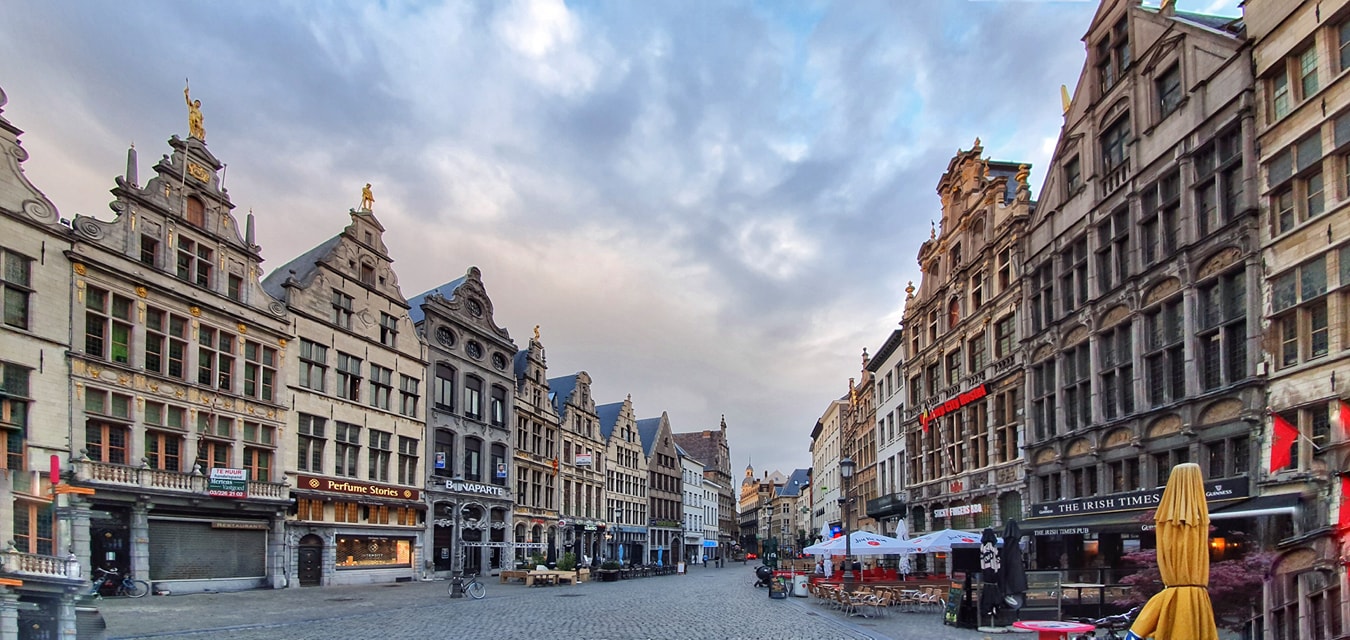
As a web developer i'm reliant on clients either sending me supplier images from the brands they work with or commissioning us to photograph their products or service in action. Unfortunately all too often I am sent wholly unsuitable images that have been taken with a phone. Now, don't get me wrong, I am a huge fan of photography with mobile phones the image above of Antwerp and the majority of the work on my Instagram feed are taken either with an iPhone 7+ or a Samsung S10+: as the adage goes, the best camera you can have is the one in your hands now. So in this article i'm going to outline some basic groundrules for greatly improving the quality of the pictures you take with your devices.
Clean the lens
Does this scenario sound familiar ? You're working on site either digging over a garden, plastering a wall or tiling a bathroom and you reach for your phone and click away. But, did you have a quick look at the lens to make sure it's clean? A dirty lens (with a thumbprint for example) will result in soft images, ghosting and lens flare: in other words, unusable images. Clean the lens with a soft cotton or microfibre cloth. Do not use a paper towel or napkin as that will scratch the surface. Best of all, Lidl sell small boxes of lens wipes that will mean crisp sharp images every time.
Aspect ratio and horizon
Just because you hold your phone in an upright position doesn't mean you have to take photos that way too. Think about how you could use a picture for your website, social media or even press release. Most of the time landscape format will be preferrable to portrait. Especially if you think you could use an image in a banner on your home page. and while you have that phone in the horizontal position try and keep your horizon level. a lot of phone can overlay a grid onto the screen to help you do this. If your trade is in construction then a wonky horizontal will not impress potential clients.
Get the exposure right
In every scene there will be a mixture of tones from highlights to shadow and a range of mid tones inbetween. Most camera phones will guess where to 'meter' the light in a scene but it can be easily fooled if there is a bright object such as a window in an interior shot. If the camera takes the window as the average value then everything else will be too dark (underexposed). Conversely if it takes a shadow area as the average value then the rest of the image will be overexposed.
Nearly all smartphones will allow you to tap the screen and it will take that point as the average exposure value. This way you can experiment to get a full range of tones from light to dark. You can use an app like Snapseed to pull out extra detail from the shadow and highlight areas. This is called HDR or high dynamic range. Use it sparingly otherwise it can look very artificial.
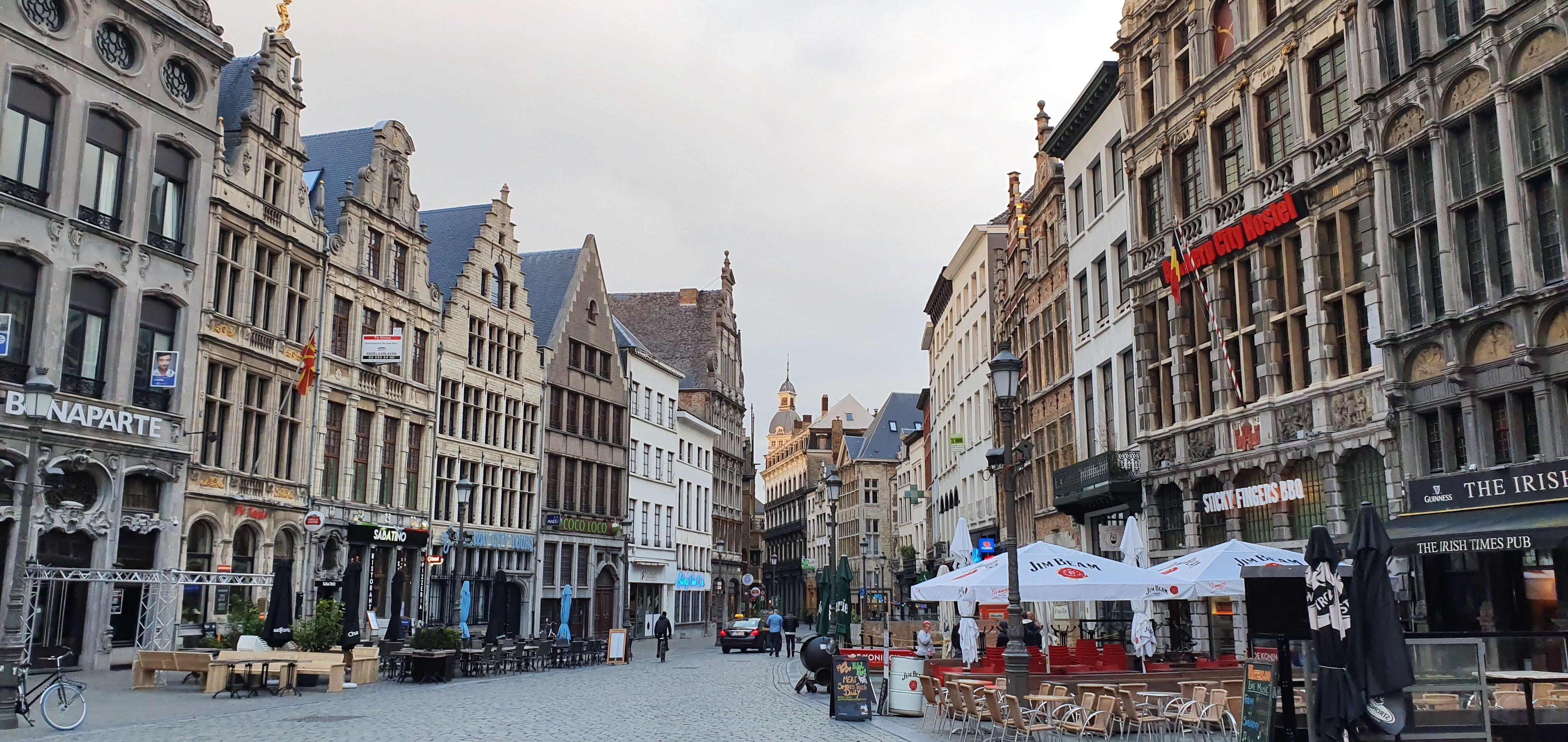
The unretouched image as captured. Note the converging verticals and pale sky.
Your digital darkroom
So, you've taken some pictures of that amazing kitchen you've just installed but it still needs a little tweaking.
Maybe there is something in shot you need to crop out or you need to lighten the shadows. Allow me therefore to introduce you to a remarkable digital darkroom called Snapseed. It's produced by Google and is based on a product they themselves bought out a couple of years back. It's incredibly capable, on both IOS and Android but here's the killer: it's free. I recommend you download it and play with its capabilities. The image of Antwerp above was processed through Snapseed to correct the converging verticals (walls leaning in) and bring out the hidden detail in the clouds. For comparison here's the original as captured by my samsung phone.

